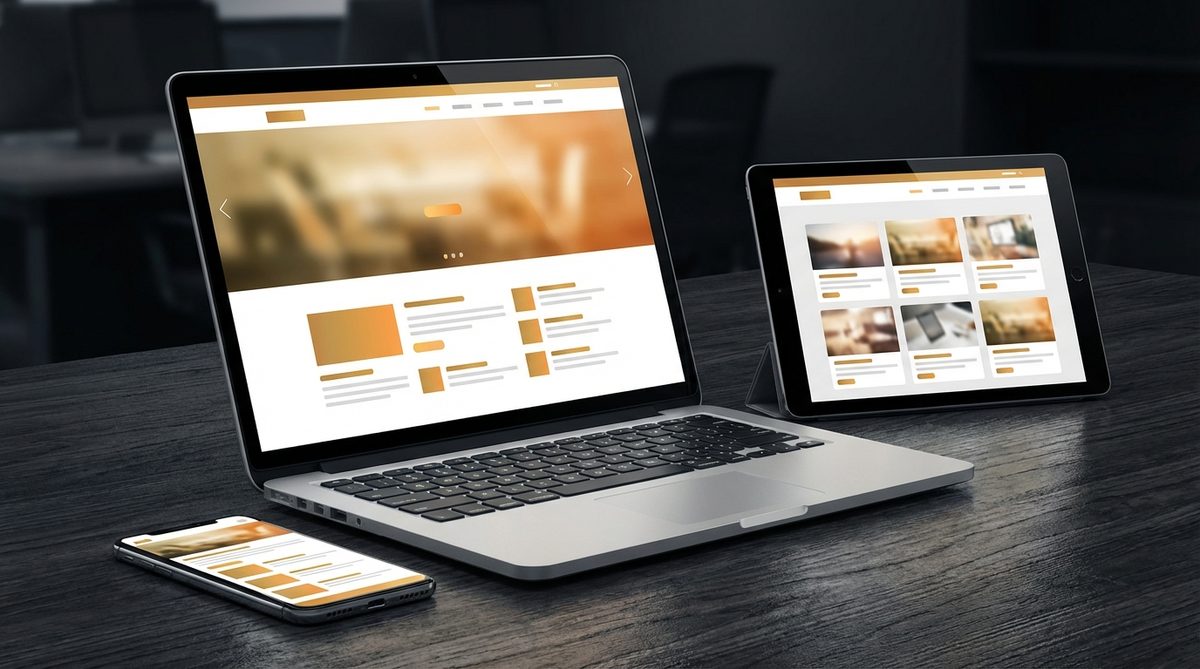
The numbers are in, and they are impossible to ignore. As of late 2016, mobile internet traffic has officially surpassed desktop traffic worldwide. For the first time in the history of the web, more people are browsing on phones and tablets than on traditional computers. If your website does not look and function well on mobile devices, you are losing customers. It is that simple.
Responsive web design — the practice of building websites that automatically adapt to any screen size — is no longer a luxury feature or a nice-to-have add-on. It is a baseline requirement. At Life By Designs, every website we build is responsive from the ground up. Here are the best practices we follow to ensure our clients' websites deliver an excellent experience on every device.
Start With Mobile
The mobile-first approach means designing for the smallest screen first, then progressively enhancing the layout for larger screens. This might seem backwards if you are used to designing on a desktop monitor, but it produces significantly better results.
When you start with mobile, you are forced to prioritize. A small screen has limited space, which means you must decide what is truly essential. What content must appear above the fold? What is the primary action you want users to take? What can be simplified or removed entirely?
This process of prioritization benefits the desktop version too. A website that works beautifully on a small screen will almost always work beautifully on a large one, because the core content hierarchy is already solid. The reverse is rarely true. Desktop-first designs often feel cramped and awkward when squeezed onto a phone.
Use Flexible Grids
The foundation of responsive design is the flexible grid. Instead of designing with fixed pixel widths, use relative units like percentages, ems, rems, and viewport units. This allows your layout to stretch, shrink, and reorganize itself based on the available screen width.
CSS Grid and Flexbox have made flexible layouts dramatically easier to implement. These modern layout tools give designers and developers powerful control over how elements arrange themselves at different screen sizes, without the fragile hacks and workarounds that were necessary in the era of floats and clearfixes.
At Life By Designs, we use a combination of CSS Grid for overall page structure and Flexbox for component-level layout. This approach gives us the flexibility to create sophisticated, multi-column layouts on desktop that gracefully collapse into single-column layouts on mobile.
Optimize Your Images
Images are typically the heaviest elements on a web page, and they play a crucial role in responsive design. An image that looks crisp and beautiful on a desktop monitor can be painfully slow to load on a mobile connection and may be far larger than necessary for a small screen.
Best practices for responsive images include:
- Use the srcset attribute. This allows you to provide multiple versions of an image at different resolutions, letting the browser choose the most appropriate one based on the device's screen size and pixel density.
- Compress your images. Tools like ImageOptim, TinyPNG, and JPEGmini can significantly reduce file sizes without visible quality loss. Every kilobyte saved translates to faster load times.
- Consider lazy loading. Images that are below the fold do not need to load immediately. Lazy loading defers the loading of off-screen images until the user scrolls to them, dramatically improving initial page load time.
- Use the right format. JPEG for photographs, PNG for graphics with transparency, and SVG for icons and logos. Each format has its strengths, and using the right one can make a significant difference in file size.
Design Touch-Friendly Interfaces
A mouse cursor is precise. A finger is not. Designing for touch means rethinking the size and spacing of interactive elements. Buttons, links, form fields, and navigation items all need to be large enough and far enough apart to be easily tapped with a finger.
Apple recommends a minimum touch target size of 44 by 44 pixels. Google recommends 48 by 48 pixels. These are minimums; when possible, make your interactive elements even larger. The cost of a slightly larger button is negligible. The cost of a user tapping the wrong link because buttons are too small is lost engagement and lost business.
Pay special attention to navigation menus on mobile. The traditional horizontal navigation bar that works well on desktop is often impractical on a phone screen. A hamburger menu (the three horizontal lines) is the most common solution, though it is worth testing alternatives like a bottom navigation bar, which keeps key actions within easy thumb reach.
Think About Typography
Text that is comfortable to read on a desktop monitor can be too small on a phone or too large on a wide screen. Responsive typography means adjusting font sizes, line heights, and line lengths based on the screen size.
Key typography considerations:
- Base font size. A minimum of 16 pixels for body text on mobile is widely recommended. Anything smaller requires users to pinch-zoom, which is a frustrating experience.
- Line length. The ideal line length for comfortable reading is 50 to 75 characters per line. On a desktop, this often means your content area should be narrower than the full browser width. On mobile, full-width text naturally stays within this range.
- Line height. Generous line spacing (1.5 to 1.8 for body text) improves readability on all devices, but it is especially important on mobile where readers are often dealing with glare, smaller text, and less-than-ideal reading conditions.
- Heading hierarchy. Use a clear, consistent heading structure (H1, H2, H3) that scales appropriately across screen sizes. Headings should be noticeably larger than body text but not so large that they overwhelm the layout on small screens.
Test on Real Devices
Browser developer tools are incredibly useful for responsive design testing, but they are not a substitute for testing on actual phones and tablets. Emulators cannot perfectly replicate the experience of using a real touchscreen, dealing with a real mobile browser, and operating under real network conditions.
At Life By Designs, we test every project on a range of devices before launch. At minimum, we check on an iPhone, an Android phone, and an iPad. We also test on different browsers, including Safari, Chrome, and Firefox, since each handles responsive layouts slightly differently.
If you do not have access to multiple devices, services like BrowserStack and CrossBrowserTesting allow you to test your website on hundreds of real devices remotely. It is a worthwhile investment.
Do Not Forget About Performance
Responsive design is not just about layout. It is about delivering an appropriate experience for each device, and that includes performance. Mobile users are often on slower connections with limited data plans. A website that loads in two seconds on a desktop fiber connection might take ten seconds on a 3G mobile connection.
Performance optimizations for responsive sites include:
- Minimizing HTTP requests by combining CSS and JavaScript files
- Enabling browser caching for static assets
- Using a content delivery network (CDN) to serve assets from servers close to the user
- Minimizing and compressing CSS and JavaScript
- Removing unused code, plugins, and libraries
Google's PageSpeed Insights tool is an excellent free resource for identifying performance issues. Run your site through it regularly and address any warnings or suggestions.
Responsive Design Is an Ongoing Process
Building a responsive website is not a one-time task. New devices, new screen sizes, and new browsing contexts emerge constantly. The iPhone that defined mobile browsing a few years ago has been joined by larger phablets, smaller tablets, smartwatches, and everything in between.
At Life By Designs, we approach responsive design as an ongoing commitment, not a checkbox. We build our sites on flexible, future-friendly foundations and continue to test and refine as the device landscape evolves.
If your website does not work well on mobile, you are not just missing out on mobile users. You are also hurting your search rankings, since Google now uses mobile-friendliness as a ranking factor. A responsive website is not just a design choice; it is a business necessity.
Ready to make your website responsive? Life By Designs is here to help. Contact us for a free consultation and let us make sure your business looks great on every device.